
All About Travel, Ltd.
Call: 405-384-3880
800-880-8517
Email:


Oklahoma City Travel Agency for Cruises, Vacations, Corporate Travel & Airline Flights
How to setup a Google account
To create a Google account:
- Go to www.google.com. ...
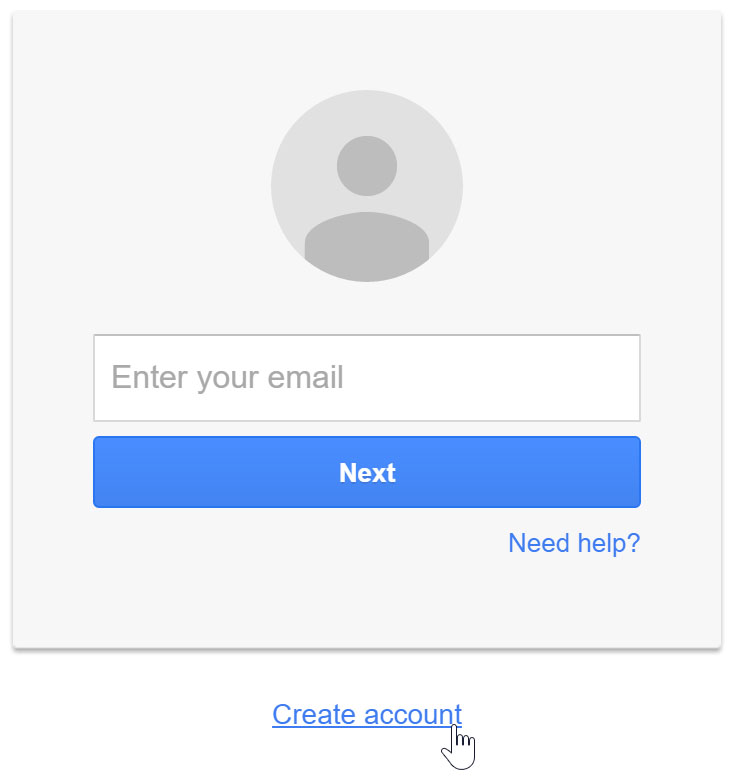
- Click Create an account.
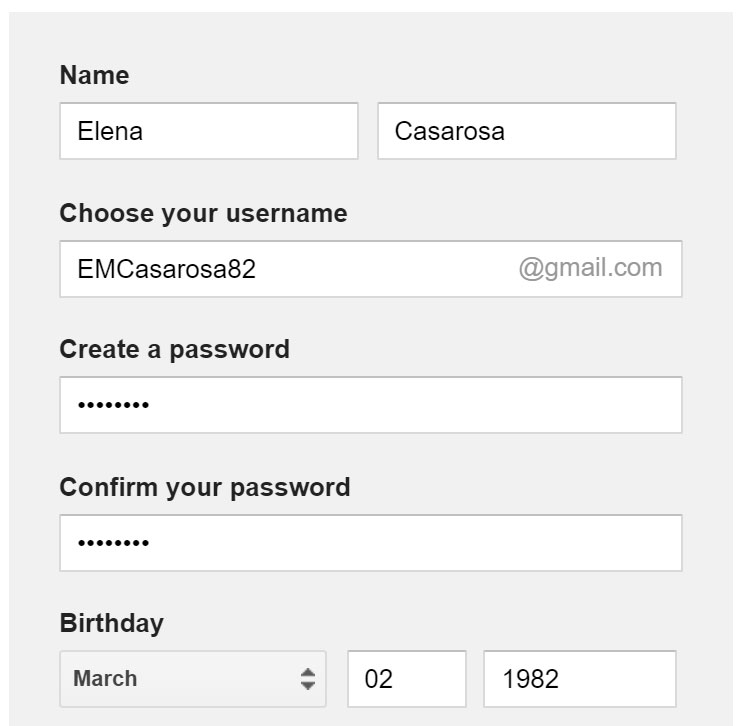
- The signup form will appear. ...
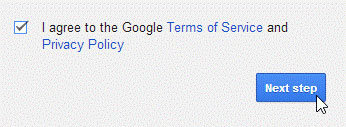
- Review Google's Terms of Service and Privacy Policy, click the checkbox, then click Next step.
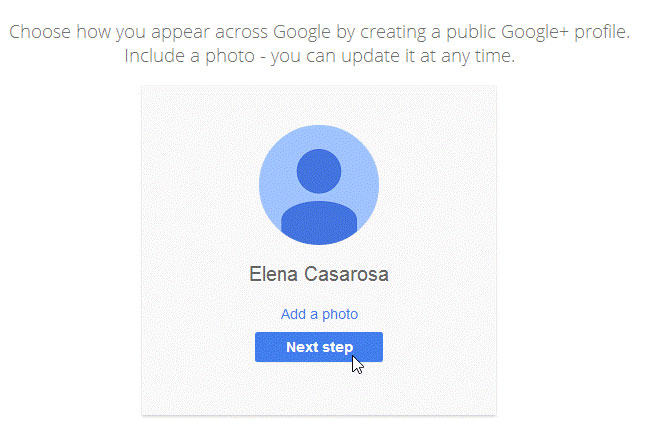
- The Create your profile page will appear. ...
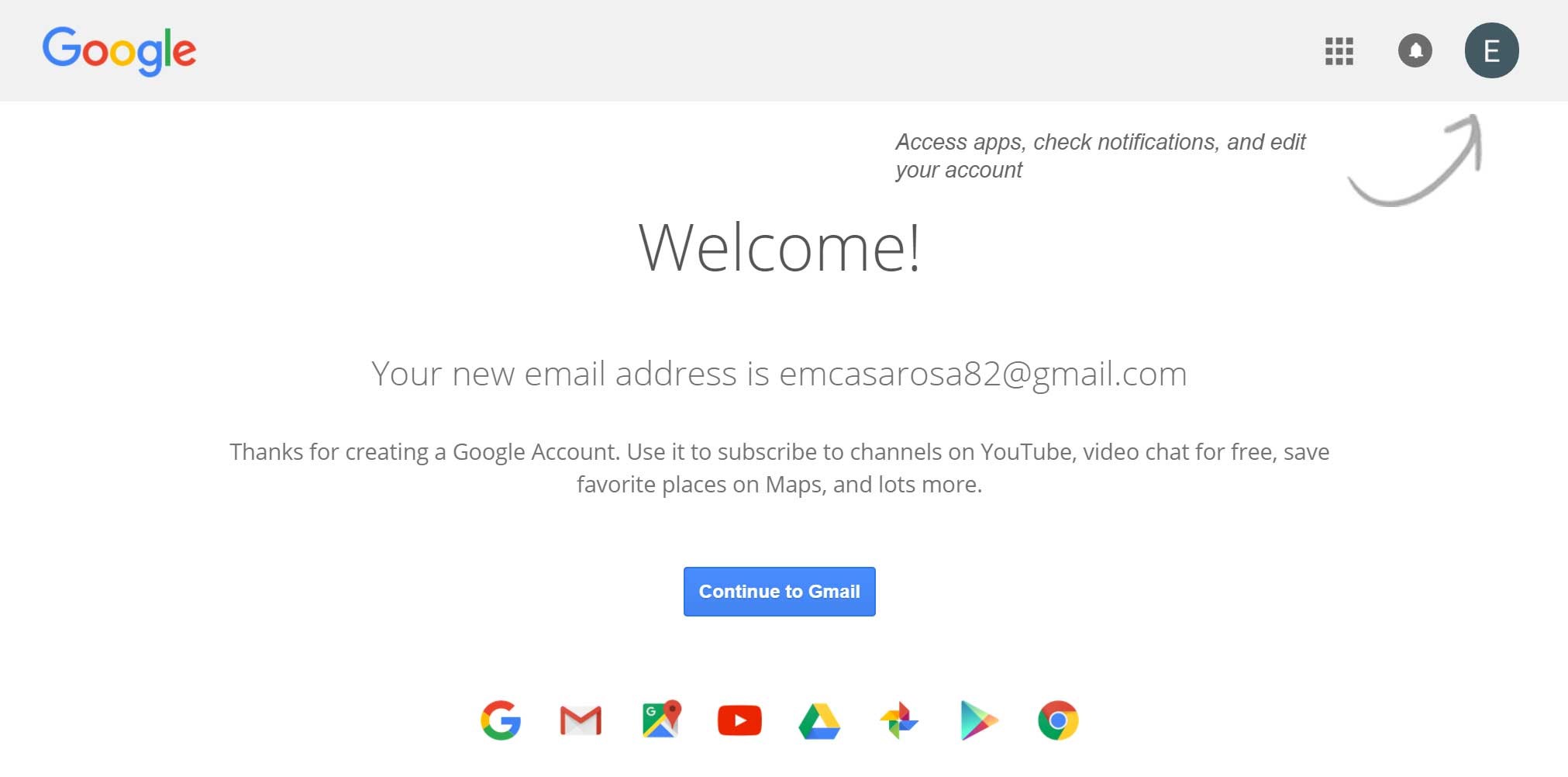
- Your account will be created, and the Google welcome page will appear.
Creating an account
In order to create a Google account, you'll need to enter some information, like your name, birth date, and location. Creating a Google account will automatically create a Gmail email address.
If you have a Gmail address, you already have a Google account so you won't need to create an account. You can simply sign in to Google using your Gmail information.
To create a Google account:
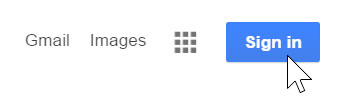
- Go to www.google.com. Locate and select the Sign in button in the top-right corner of the page.
- Click Create an account.
- The signup form will appear. Follow the directions by entering the required information, such as your name, birth date, and gender.
- Review Google's Terms of Service and Privacy Policy, click the checkbox, then click Next step.
- The Create your profile page will appear. Click Add a photo if you want to add a photo to your profile. If you don't want to set a profile photo at this time, click Next step.
- Your account will be created, and the Google welcome page will appear.
Just like with any online service, it's important to choose a strong password—in other words, one that is difficult for someone else to guess. For more information, review this Creating Strong Passwords lesson from our Internet Safety tutorial.
Keep Your Google Account Safe
- Never give anyone your password.
- Choose a strong password.
- Add a recovery phone number.
- Add a recovery email.
- Turn on two-factor authentication if possible
Need Help?
If you're having trouble creating your Google account, call us.
📞 405-384-3880
We're happy to help.
Now that you are all setup you can leave a REVIEW and let us know how we did.

Thank you.
All About Travel
6104 Northwest 63
Oklahoma City, OK 73132
(405) 384-3880 or (800) 880-8517
 |
|
 |
||